
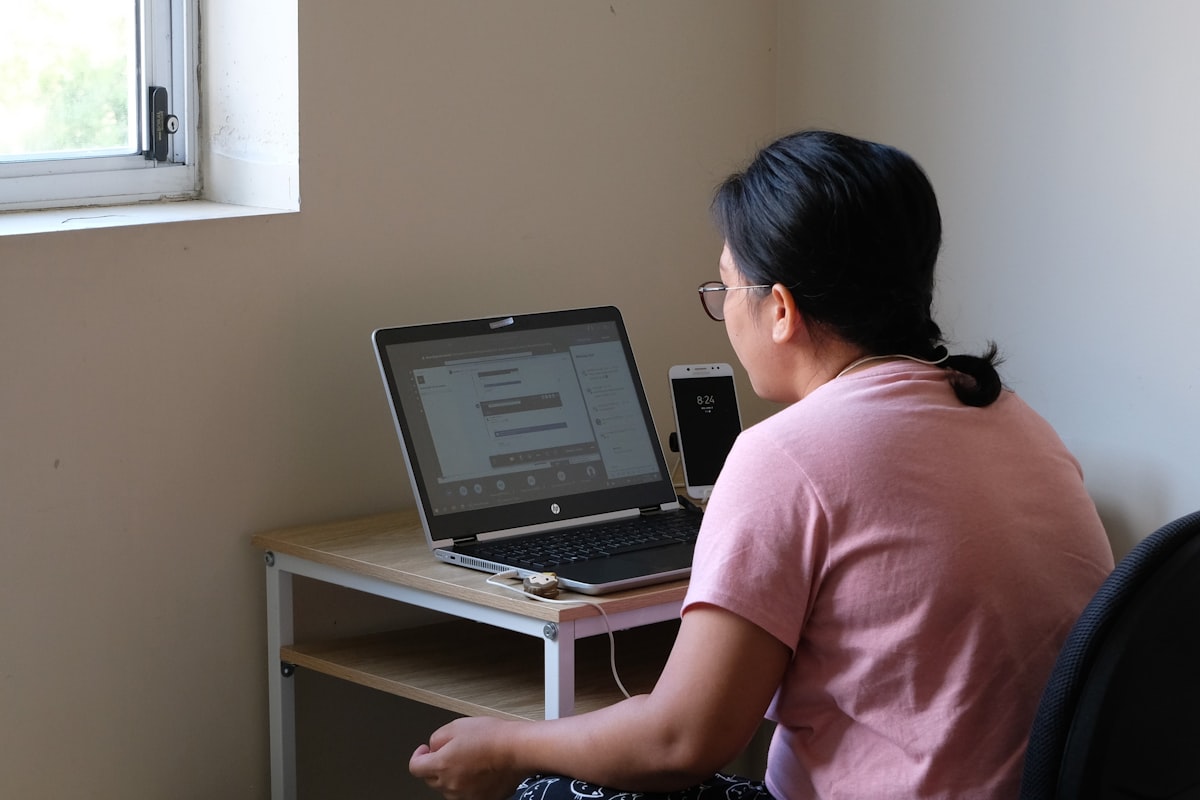

The AI study assistant is available within each topic’s Q&A area after the student passes the topic quiz. It is powered by OpenAI’s GPT-4 model and is trained to answer questions specifically related to the RBT task list and the content of the current topic.
Purpose
The study assistant helps students:
- Clarify concepts they did not fully understand from the video
- Get deeper explanations of behavior analysis principles
- Work through difficult questions before the quiz or final exam
- Study interactively rather than passively reviewing notes
How to Use It
- Complete the video lesson and pass the topic quiz
- Navigate to the Q&A tab for that topic
- Type a question in the input field
- Submit the question
- The assistant analyzes the question and responds with a detailed explanation
- Students can rate the answer as helpful or not helpful
Usage Limits
To ensure fair access and system performance, the assistant enforces a usage limit:
- Maximum: 3 questions per hour per student
- The limit resets automatically after 60 minutes
If the limit is reached, a message is displayed and the student can continue asking questions after the cooldown period.
How the Assistant Evaluates Questions
Before generating an answer, the assistant performs several checks:
Relevance Check
The question is analyzed to determine if it is related to the current topic’s content. The check uses a combination of:
- Language model evaluation (60% weight)
- Semantic embedding comparison against topic content (30% weight)
- Keyword matching (10% weight)
If a question scores below the relevance threshold, the student receives a message indicating the question does not appear to be related to the current topic. The question is flagged for admin review rather than being answered.
Duplicate Detection
Before processing a new question, the assistant checks whether a similar question has already been asked and answered for that topic. This uses semantic similarity search powered by Meilisearch and OpenAI embeddings.
If a sufficiently similar question already exists, the student is directed to the existing answer rather than generating a duplicate response.
Answer Quality and Escalation
If the assistant cannot confidently answer a question after its processing attempts:
- The question is escalated for review by a BCBA specialist
- The student is notified that their question has been escalated
- An admin notification is sent to the support team
Students can also evaluate responses. If an answer is marked as “not helpful,” it is flagged for review.
What the Assistant Does Not Do
- It does not answer questions unrelated to the current topic
- It does not provide advice about the student’s specific clinical cases
- It does not replace professional supervision or BCBA guidance
- It does not guarantee exam success
For questions outside the scope of the course content, students are encouraged to contact the support team at contact@getrbttraining.com.
Benefits for Exam Preparation
The study assistant addresses a common gap in self-paced learning: the inability to ask follow-up questions. Instead of getting stuck on a concept and losing momentum, students can:
- Get an explanation immediately
- Ask follow-up questions within the same session
- Study the topic more deeply before moving to the quiz
This reduces passive re-watching of videos and encourages active engagement with the material.